
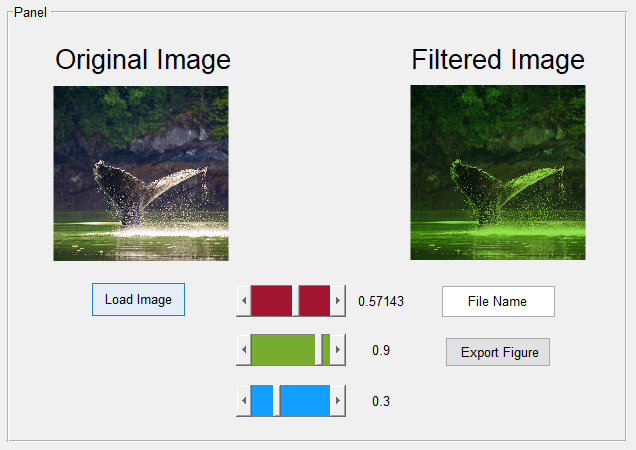
This project presents a MATLAB graphical user interface based approach to filter the three planes of a 3-dimensional image array. The project explores the idea of manipulating a particular matrix, along with exploring methods to make it user friendly for importing and exporting images.
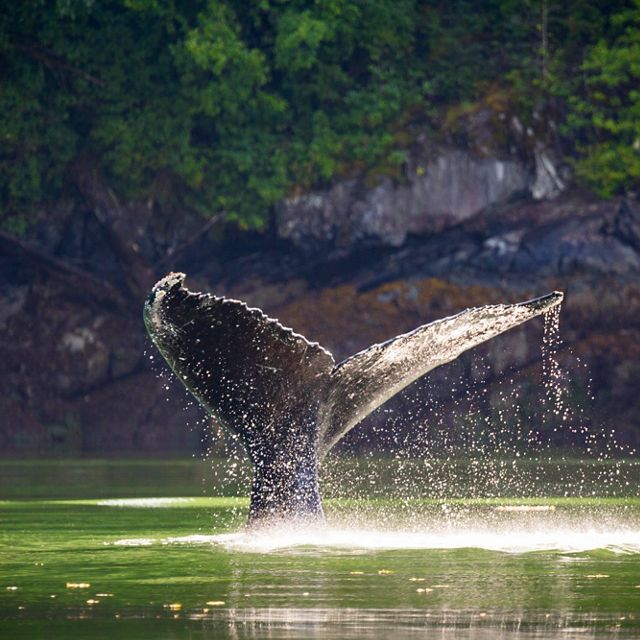 Through observation after loading an image into MATLAB through the imread function, I found that the
Original.jpg was represented as a 640x640x3 array. Then the realization came that the 3 signifies the
Red, Green, Blue color values. After experimenting with masking the image, the idea came where I may be
able to adjust specific sections of the array.
Through observation after loading an image into MATLAB through the imread function, I found that the
Original.jpg was represented as a 640x640x3 array. Then the realization came that the 3 signifies the
Red, Green, Blue color values. After experimenting with masking the image, the idea came where I may be
able to adjust specific sections of the array.
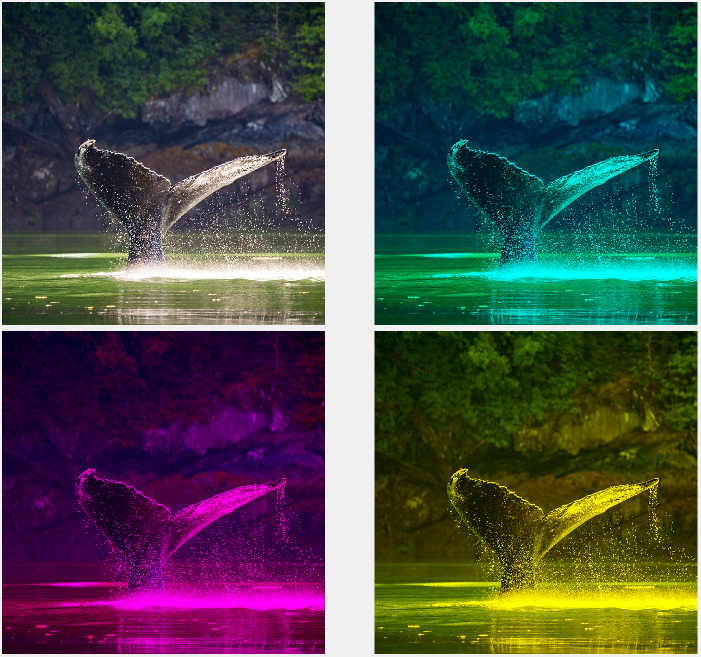
 The first objective is seeing how possible it is to influence the arrays' values, which eventually came
to converting the partial matrix into zero. To see the full impact, I made sure to create three separate
identical arrays in which I adjusted a particular matrix for each that would filter out the Red, Green,
and Blue respectively. To accomplish this, I installed an Image Processing Toolbox to perform image
processing and analysis. Once that was finished, I used the tight_subplot function to close the gaps
between the figures and found a way to make the image importing process easier for other users.
The first objective is seeing how possible it is to influence the arrays' values, which eventually came
to converting the partial matrix into zero. To see the full impact, I made sure to create three separate
identical arrays in which I adjusted a particular matrix for each that would filter out the Red, Green,
and Blue respectively. To accomplish this, I installed an Image Processing Toolbox to perform image
processing and analysis. Once that was finished, I used the tight_subplot function to close the gaps
between the figures and found a way to make the image importing process easier for other users.
By typing 'guide' into the command window of MATLAB, we open the developor's environment to visually
create the GUI along with adjusting the design and tags of each component. Making custom tags for each
component made it easier to keep track of each button's function when programming. An issue occurred
where the toggle states were not being registered until all three toggles have been changed, an easy
solution to this was to set an initial value for these global variables.